Benevity for Microsoft Teams
See how Benevity for Microsoft Teams lets employees join volunteer shifts, sign waivers and donate directly within their everyday workspace.
FAQs
Can employees give and volunteer without leaving Microsoft Teams?
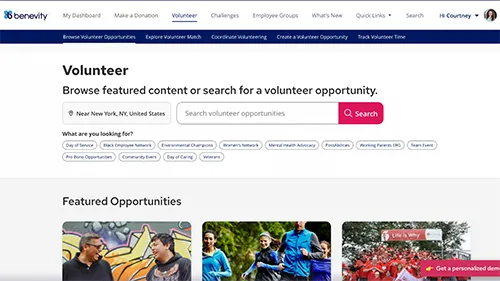
Yes. Benevity for Microsoft Teams lets employees donate to an active giving campaign or sign up for a volunteer opportunity, right inside Microsoft Teams. They can choose a shift, answer custom questions, sign waivers, join a waitlist, or make a donation using the payment methods your program already supports. Matching, eligibility, and program rules apply the moment they act, and Benevity remains the system of record for every donation, signup, and volunteer hour.
Who can share a giving or volunteering opportunity in Microsoft Teams?
Any employee can share an active giving or volunteer opportunity into a Microsoft Teams channel they belong to. Program administrators keep full control over which opportunities exist and which donation methods, matching rules, and eligibility requirements apply, so wider sharing does not mean less oversight.
Does Benevity for Microsoft Teams cost extra?
No. Benevity for Microsoft Teams is included with the Donate and Volunteer modules at no additional cost. Your Microsoft administrator approves the app, and your program configuration carries over without any changes.